Keeping a deaf student from being left out of class
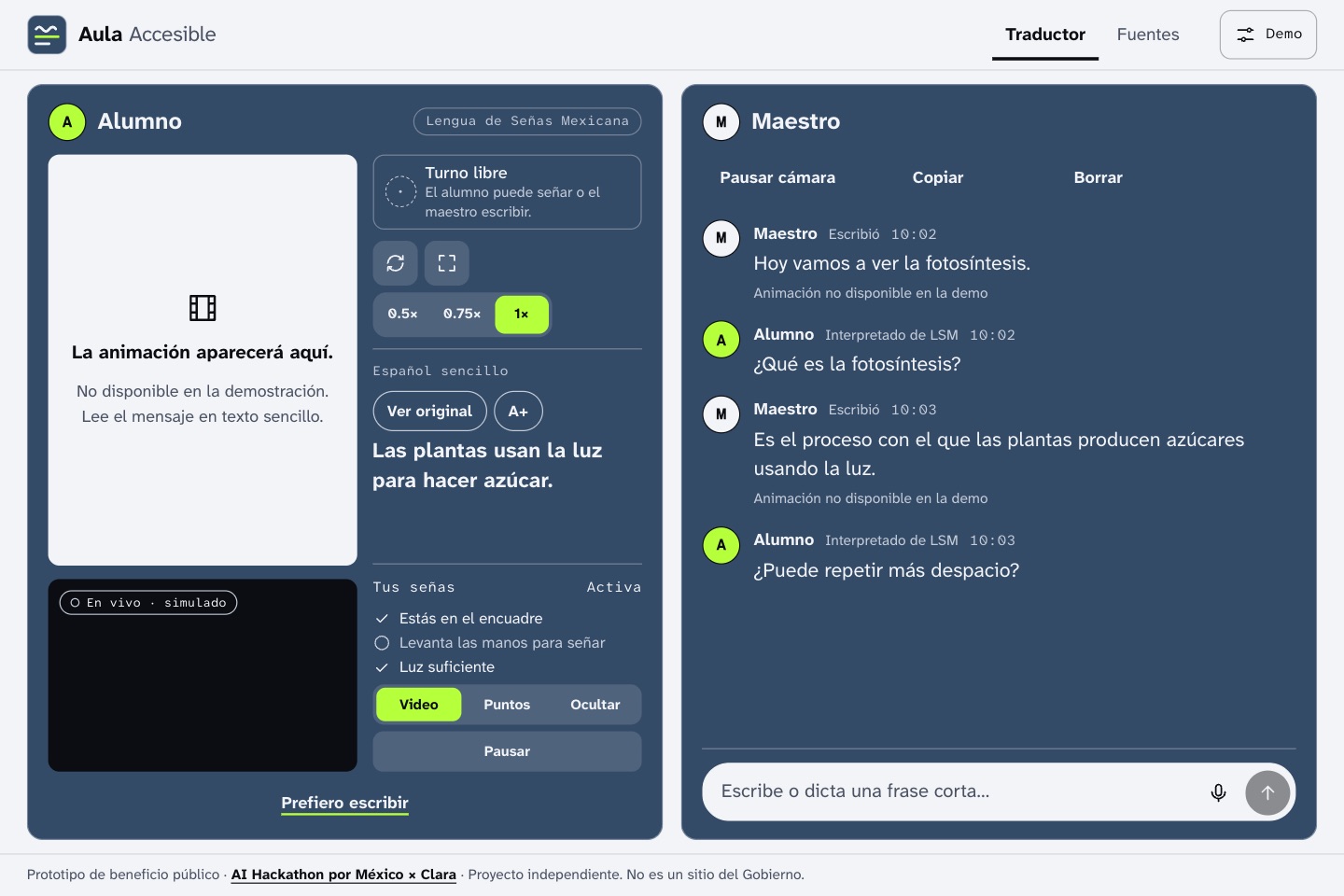
The original version was born at the AI Hackathon por México × Clara, in October 2026, as a Mexican Sign Language translator with 3D animation. I did the UX/UI design and front-end, and my team built the animation backend. The animation did load, but only locally, on the computer running the backend.
The solution
A v2 that works with text alone
I redesigned the product around captions in plain Spanish, key terms and quick replies. Signing became an experimental supporting feature.
The result
A published demo that doesn’t overpromise
You can try it in the browser. It has no backend: dictation, simplification and signing are simulated, and the page says so. It still needs testing with deaf students, teachers and interpreters.
The evolution
From sign translator to clear captions
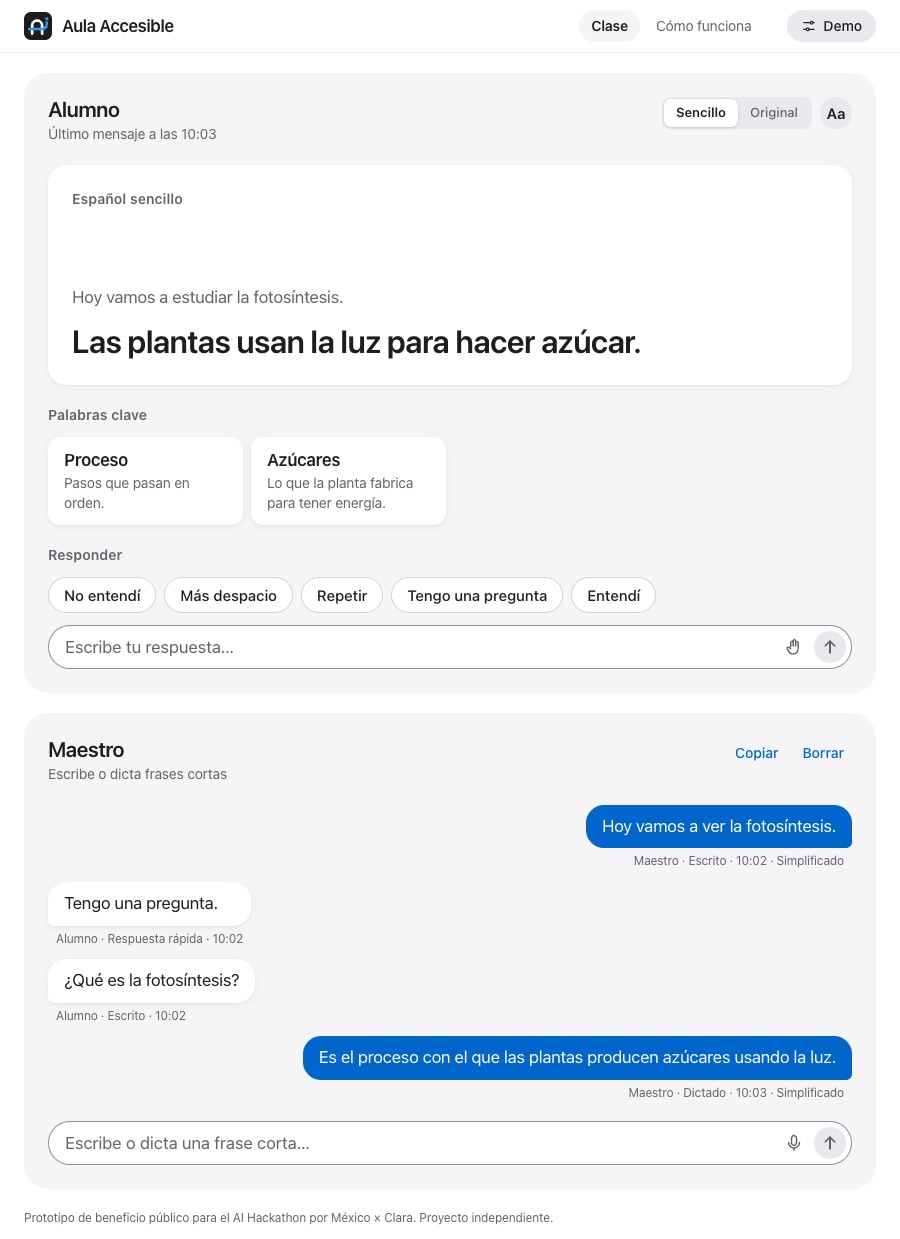
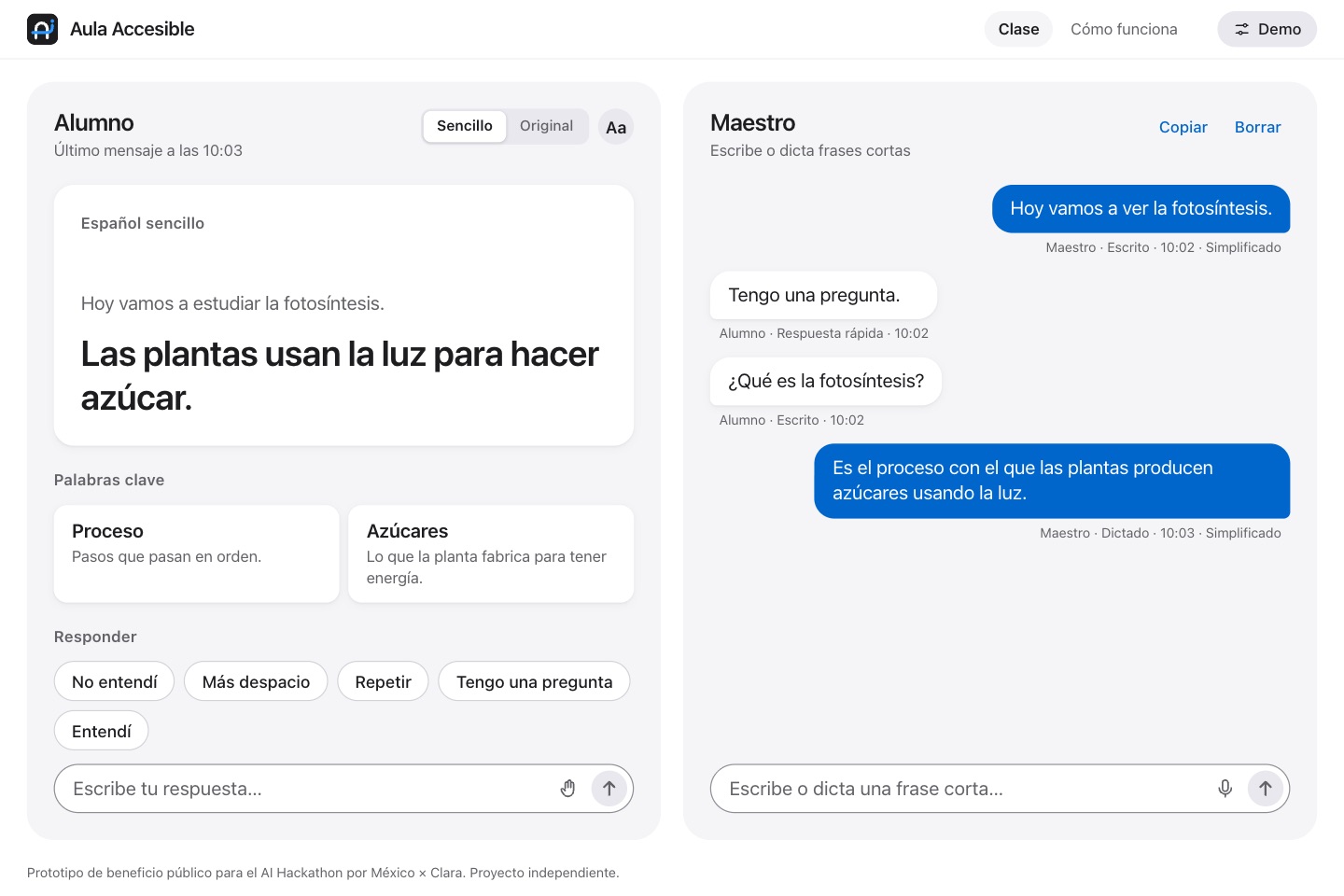
Original versionOriginal version · Mexican Sign Language translator with 3D animation. The animation only ran on the backend computer, which is why it doesn’t appear in this screenshot.Version 2 · Captions, key terms and quick replies. This is the published version.
Highlights
What version 2 does
01
Captions in plain Spanish
The teacher dictates or types, and the student reads it in large type, in short sentences without convoluted words. The original text is available at any time.
02
Key terms
Difficult words in the message appear with a short definition, so the student doesn’t lose the thread of the class.
03
Quick replies
One tap: “I didn’t understand”, “Slower”, “I have a question”. The student can also type or try replying with signs.
How I solved it
Design and code decisions
01
Text comes first
Everything works with text. If an animation were ever available, it would appear below the captions labeled “experimental”; if it doesn’t arrive, the student loses nothing.
02
Signing as experimental support
It only covers the signs for the quick replies. The student reviews the text before it’s sent and can discard it. Nothing is presented as a validated translation.
03
Accessibility built in
Keyboard-operable controls, visible focus, aria-live announcements, a large-text option and prefers-reduced-motion support. This isn’t a WCAG certification.
04
Code without frameworks
HTML, Sass with BEM and JavaScript with ES modules. The flow is event → controller → store → ui, with selectors deriving what’s shown.
05
Clear limits
It doesn’t replace an interpreter: Mexican Sign Language has its own grammar, uses facial expression and varies by region. And not all deaf people use it.
06
How I worked with AI
What I asked Claude for: a base design in Claude Design, on which I built the final design; code review and debugging, and help integrating the backend and front-end in the original version.
What I did and decided: the final design from that base, and the product, design and accessibility decisions.
A technical decision
If simplification fails, the original stays
Simplifying the teacher’s message could fail because of a dropped connection or an unresponsive service. That error can’t leave the student without the message.
The message is added to the conversation first, with a simplifying status. If simplification fails, it moves to error and the student sees the original text, with an announcement for screen readers.
js/controller.js · simplified
asyncfunctionsimplify(id, text) {
try {
// The demo and a real service share the same flowconst res = CONFIG.DEMO_MODE
? await demo.simulateSimplify(text, SIMPLIFIED, { fail })
: await api.simplifyText(text);
const patch = api.toMessagePatch(res);
updateMessage(id, { ...patch, status: 'ready' });
} catch (err) {
// The message already exists: the student sees the original textupdateMessage(id, { status: 'error' });
announce('No se pudo simplificar. El alumno ve el texto original.');
}
}